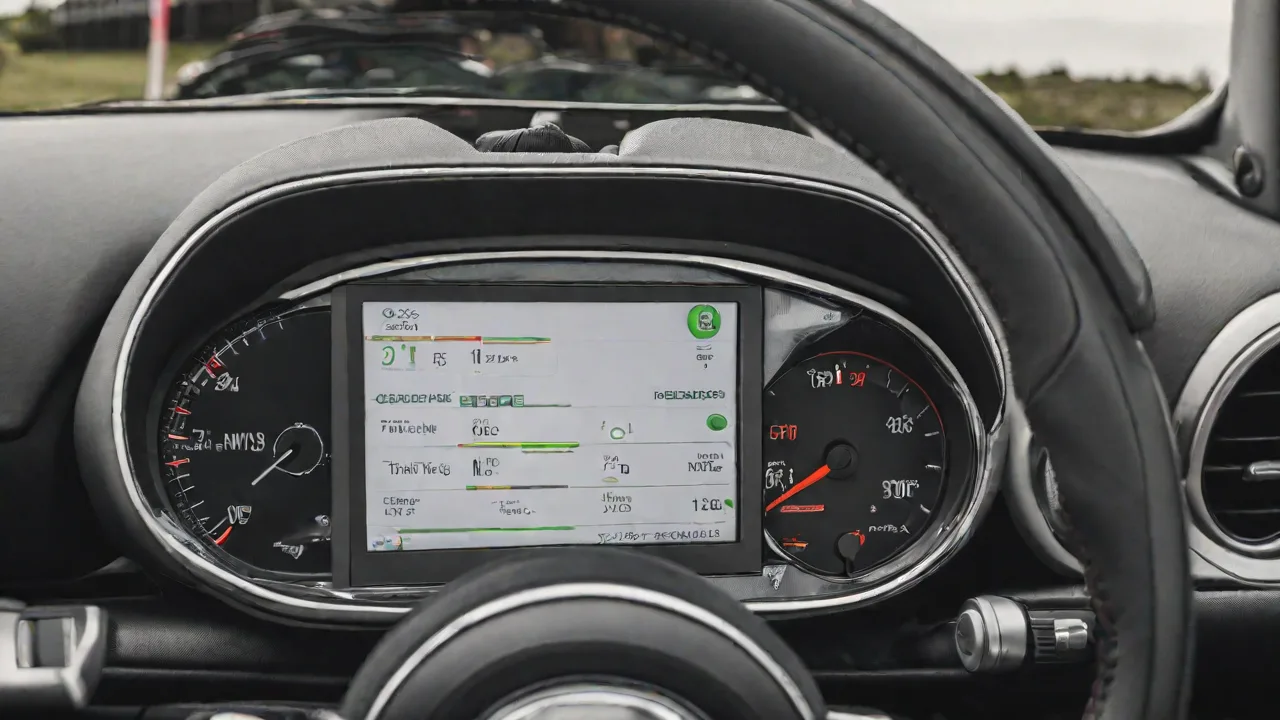
How to Use Everyday MINI Diagnostic Tools to Check Airbag System Status on an R56
Ensuring that the airbag system in your MINI R56 is functioning correctly is paramount for your safety and that of your passengers. The airbag system is a critical component designed to deploy in the event of a collision, minimizing injury by cushioning occupants. Modern vehicles, including the MINI R56, are equipped with sophisticated airbag control modules and sensors that constantly monitor system health. Fortunately, Everyday MINI diagnostic tools allow you to easily check the status of your airbag system without needing to visit a professional mechanic or dealership. This guide will walk you through the detailed process of using these diagnostic tools effectively, interpreting the results, and understanding what steps to take if issues are detected.
Understanding the Airbag System in the MINI R56
The MINI R56, produced between 2006 and 2013, incorporates a comprehensive Supplemental Restraint System (SRS) that includes front airbags, side airbags, and curtain airbags, depending on the trim and optional packages. The system relies on multiple components:
- Airbag Control Module (ACM): The brain of the system, which monitors sensors and decides when to deploy airbags.
- Crash Sensors: Located strategically around the vehicle to detect rapid deceleration or impact forces.
- Seat Occupancy Sensors: Determine if airbags should deploy based on passenger presence and weight.
- Wiring and Connectors: Enable communication between sensors and the ACM.
- Warning Light: The airbag or SRS warning light on your dashboard alerts you to potential system faults.
When you turn on your MINI R56, the airbag system performs a self-check, and the SRS warning light should illuminate briefly and then turn off if everything is functioning normally. A persistent light or intermittent illumination signals a system fault that requires diagnosis.
Why Regular Airbag Diagnostics Are Important
While airbags are designed to last the lifetime of the vehicle, various factors can cause malfunctions:
- Wear and tear on electrical connections and sensors over time.
- Previous repairs or modifications that may have disrupted sensor calibrations.
- Water intrusion or corrosion affecting wiring harnesses.
- Battery disconnects or voltage irregularities causing control module errors.
Regularly checking your MINI’s airbag system using diagnostic tools helps you catch faults early, ensuring your safety and preventing costly repairs down the line. Additionally, a functioning airbag system is vital for passing vehicle inspections in many regions.
Preparing to Check the Airbag System
Before beginning the diagnostic process, follow these preparatory steps to ensure accurate results and safety:
- Park Safely: Find a flat, stable surface to park your MINI R56. Engage the parking brake for added security.
- Turn Off the Ignition: Ensure the engine is off before connecting diagnostic tools to avoid electrical shorts or inaccurate readings.
- Locate the OBD-II Port: The On-Board Diagnostics II (OBD-II) port is typically under the dashboard on the driver's side, near the steering column. It is a 16-pin connector designed for diagnostics and emissions testing.
- Gather Your Diagnostic Tool: Everyday MINI diagnostic tools range from handheld scanners to smartphone apps paired with Bluetooth OBD-II adapters. Ensure your device is fully charged or connected to a power source.
Connecting Your Diagnostic Tool to the MINI R56
Follow these detailed steps to establish a proper connection:
- Plug In the Diagnostic Device: Insert your scanner or Bluetooth OBD-II adapter firmly into the port until it clicks or feels secure.
- Power On the Device: For handheld scanners, turn on the unit. For Bluetooth adapters, ensure your smartphone’s Bluetooth is enabled and paired with the device.
- Set the Ignition: Turn the ignition key to the accessory position (one click before starting the engine). This powers the vehicle’s electronic systems without activating the engine.
- Launch the Diagnostic Software/App: Open the MINI-specific diagnostic app or general OBD-II software that supports MINI R56 modules.
Navigating the Diagnostic Software for Airbag System Checks
Once connected, the software interface will allow you to select various vehicle systems. Here’s how to proceed:
- Select Your Vehicle Model: Choose MINI R56 from the list of supported vehicles to ensure correct communication protocols.
- Access the SRS or Airbag Module: Navigate to the safety systems menu. It may be labeled as “SRS,” “Supplemental Restraint System,” or “Airbag System.”
- Initiate a System Scan: Start a full scan to retrieve any fault codes or live data from the airbag control module.
Depending on the software, you may also have options to view real-time sensor data, reset fault codes, or perform specific tests such as deploying warning lights for system checks (note: never perform actual airbag deployment tests outside professional environments).
Understanding Diagnostic Trouble Codes (DTCs) for the Airbag System
After scanning, the software will display any Diagnostic Trouble Codes (DTCs) associated with the airbag system. These codes provide insights into specific faults detected by the ACM. Common airbag-related DTCs for the MINI R56 include:
- B1000 – General airbag system fault
- B1040 – Driver airbag circuit malfunction
- B1041 – Passenger airbag circuit malfunction
- B1060 – Side airbag sensor error
- B1080 – Seat occupancy sensor fault
- B10E0 – Airbag control module internal error
If your scan returns no fault codes, this means the airbag system is currently operating within normal parameters. However, if faults are present, the codes will guide your troubleshooting or mechanic consultation.
Interpreting and Responding to Diagnostic Results
Here’s what to do based on your scan results:
No Fault Codes Detected
If the scan returns no errors, your airbag system is functioning correctly. It is still advisable to perform periodic checks every 6–12 months or after any significant electrical or collision events. Also, keep an eye on the SRS warning light during vehicle startup—it should illuminate briefly but then turn off.
Fault Codes Present
If faults are detected:
- Document the Codes: Write down or save the DTCs for reference.
- Attempt a Clear: Some diagnostic tools allow you to clear fault codes after repairs. If you have recently fixed a known issue, try clearing the codes and rescanning.
- Consult the Vehicle Manual: Refer to your MINI owner’s manual or service documentation for guidance on specific codes.
- Seek Professional Help: Airbag system repairs often require specialized knowledge and tools, especially if sensor replacements or rewiring are needed. Visit a MINI-certified technician or experienced auto electrician.
- Do Not Ignore the Warning: Driving with a faulty airbag system compromises safety and may result in non-compliance with inspection regulations.
Additional Tips for Maintaining Your MINI R56 Airbag System
Beyond diagnostic checks, maintaining the airbag system involves several best practices:
- Avoid DIY Airbag Repairs: Airbags are explosive devices and can cause serious injury if mishandled.
- Check Wiring Harnesses: Especially after accidents or interior work, ensure connectors under seats and dashboards are secure.
- Replace After Deployment: Airbags and many associated components must be replaced after deployment; they cannot be reused.
- Battery Health: Maintain your battery and charging system to prevent voltage spikes that can damage the ACM.
- Keep Software Updated: Some diagnostic tools and vehicle modules receive updates that improve fault detection and system performance.
Using Everyday MINI Diagnostic Tools: Recommended Devices and Apps
Everyday MINI diagnostic tools come in various forms, tailored to different user needs and experience levels. Here are some popular options:
- Handheld OBD-II Scanners: Affordable, plug-and-play devices that display basic airbag codes and clear faults.
- Bluetooth OBD-II Adapters: Devices like the OBDLink LX or ELM327 connect to your smartphone via Bluetooth.
- MINI-Specific Apps: Apps such as SimpleMINI or BimmerCode offer advanced diagnostics and coding features tailored for MINI vehicles.
- Professional Diagnostic Software: For enthusiasts and professionals, software like ISTA (Integrated Service Technical Application) used by BMW dealerships offers comprehensive system access.
Choose a tool or app that matches your technical comfort level and offers the functionality you require. Always ensure compatibility with the MINI R56 model year.
Summary
Regularly checking the airbag system status on your MINI R56 using Everyday MINI diagnostic tools is an essential step in vehicle safety maintenance. By understanding the system components, preparing properly, using diagnostic software to scan for faults, and interpreting the results accurately, you can proactively address potential issues before they become dangerous. Remember, while these tools empower you to monitor your vehicle’s safety systems, any serious faults or repairs should be handled by qualified professionals. Keeping your airbag system in top condition ensures peace of mind every time you get behind the wheel.